If you’re helping a 7-year-old learn sight words, a free flashcard app with audio and simple games can turn review into a quick daily habit. You can choose tools that keep kids focused with bright visuals, easy deck setup, and progress tracking. The right choice can support reading, math, and science without adding clutter or cost, but not every app fits every age or skill level.
Key Takeaways
- Choose free flashcard tools with colorful visuals, simple navigation, and large readable text for kids.
- Look for interactive features like tapping, dragging, audio prompts, and image support to keep learning engaging.
- Use apps that support quick deck creation, sorting, syncing, and progress tracking across devices.
- Pick tools with minimal ads, clear interfaces, and easy exporting for a smoother learning experience.
- Match flashcard activities to age, using matching games for younger kids and timed challenges for older children.
How to Choose a Kid-Friendly Flashcard Tool

When you choose a kid-friendly flashcard tool, look for a simple interface, colorful visuals, and easy navigation that won’t frustrate young learners. You should test the user interface on a phone or tablet, since kids often use smaller screens.
Pick a tool with interactive features like tapping, dragging, or audio prompts, because these keep the experience engaging without adding complexity. Check whether you can sort decks, edit cards quickly, and switch topics with minimal steps.
You’ll also want clear text, readable fonts, and image support so children can recognize content fast. Avoid cluttered menus, ads, or settings that bury basic tasks.
The best tool lets you set up cards in minutes and keeps control in your hands while staying simple enough for kids to use confidently.
Why Flashcards Help Kids Learn
Flashcards help kids learn because they turn big topics into small, manageable bites that are easier to review and remember. You guide focus, so each card builds memory retention without overload. They also support cognitive development by asking kids to recall, compare, and sort ideas quickly.
| Benefit | What you gain |
|---|---|
| Short practice | Faster review |
| Active recall | Stronger memory |
| Repetition | Better retention |
| Clear prompts | Less confusion |
| Self-checking | Faster mastery |
You can mix words, pictures, or examples to fit the skill you want to build. When kids revisit cards often, they strengthen understanding and confidence. That steady practice makes learning feel doable, and it helps them keep growing with less stress.
Best Free Flashcard Tools for Kids

Once you know how flashcards support memory, the next step is picking a tool that makes setup simple and practice fun. You can start with digital flashcard apps that let you create decks quickly, add images, and review on any device.
Look for free options with clear interfaces, progress tracking, and audio support so kids can learn independently. Some tools also include interactive learning games, which turn review into matching, quiz, or speed challenges. That variety helps you reinforce facts without losing focus.
Choose a platform that exports easily, syncs across devices, and keeps ads minimal. When you want efficiency and repeat practice, the best free tools help you build strong study habits while saving time.
How to Keep Flashcards Fun by Age
To keep flashcards fun, match the activity to your child’s age and attention span. For younger kids, use colorful designs, age appropriate themes, and sensory elements like textures or simple actions.
Turn cards into interactive games with matching, sorting, or quick reveals. For older children, add challenge through timed rounds, reward systems, and group activities that encourage friendly competition. You can also use storytelling techniques, asking your child to build a short story from several cards.
Digital options help when they want variety, especially with sound, animation, and tap-to-answer features. Keep sessions short, rotate formats often, and let your child help choose the cards.
When you adjust the experience to their stage, you’ll keep motivation high and make practice feel fresh.
Use Flashcards for Reading, Math, and Science Skills
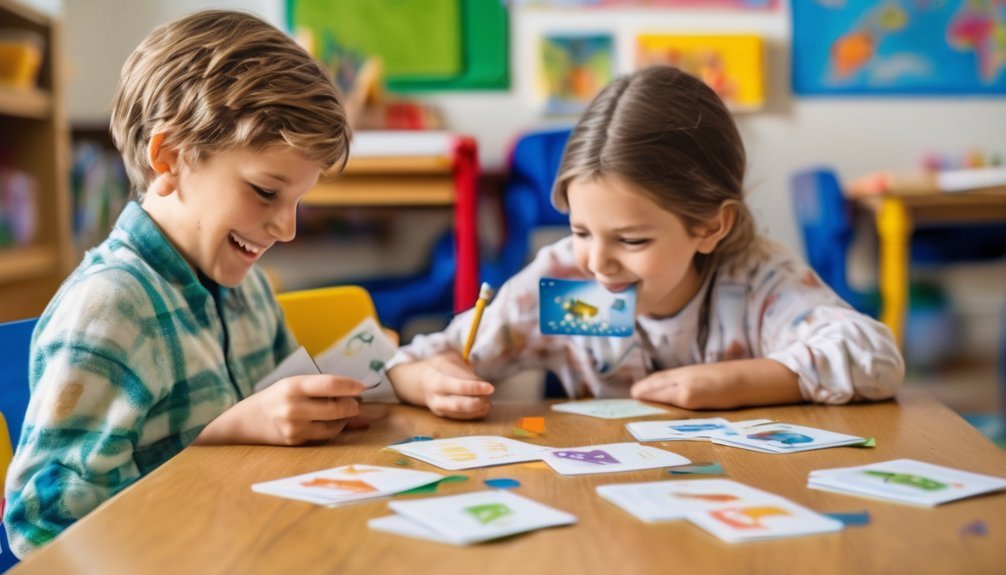
You can use flashcards to build core skills across reading, math, and science with short, focused practice.
For reading, match letters to sounds, sight words to meanings, or vocabulary to images.
For math, drill number facts, shapes, time, and simple word problems.
For science, review parts of plants, weather terms, animals, and basic processes.
Flashcards support visual learning because kids see, recall, and explain answers quickly.
Turn each set into interactive games, like timed matches, quick sorts, or “say it and spell it” rounds.
You’ll strengthen memory, accuracy, and confidence without overloading your child.
Keep prompts clear, answers brief, and tasks varied so each session stays sharp and effective.
Set Up Simple Study Routines at Home
After quick flashcard practice helps your child build skills, a simple routine keeps that progress going at home.
Pick a consistent time each day, such as after snack or before dinner, and keep sessions short. A steady study schedule helps your child know what to expect and reduces resistance.
Set up a quiet learning environment with good light, a clear table, and no distractions. Keep flashcards close by so you can start quickly when the time comes.
Use the same order each session: review, ask, answer, and stop. Praise effort, then end on a win to build confidence.
When you repeat this pattern, your child learns that practice is normal, manageable, and worth doing.
How to Make Flashcards More Effective
Make each flashcard do one job: put a single question, word, or picture on the front and one clear answer on the back.
You’ll strengthen learning when you use simple wording and clear visual aids that match the skill you want to build. Keep cards brief so your child can answer from memory, not from clues on the page. That practice drives active recall, which helps facts stick longer.
Mix new cards with familiar ones, and review them in short bursts so attention stays sharp. You can also ask your child to explain the answer aloud or sort cards by topic, which deepens understanding.
If a card feels hard, rewrite it so it tests one idea with precision and supports mastery.
Avoid Common Flashcard Mistakes With Kids
Even simple flashcards can lose their value if they’re too busy, too long, or used the same way every time. You should keep each card focused on one idea, so kids can answer quickly and build confidence. Avoid cramming in extra facts, because that slows recall and creates confusion.
Watch your flashcard timing, too; short, spaced sessions work better than long drills that drain attention. Rotate cards before kids memorize the order, and mix easy and hard items to keep effort productive. Choose engaging designs, but don’t let visuals overpower the word or image you want them to learn.
Finally, check for accuracy and age fit. When you remove clutter, pace practice well, and vary review, you’ll make every card count.
Frequently Asked Questions
Are Flashcard Tools Safe for Kids to Use Online?
Yes, you can use flashcard tools safely online if you choose trusted sites, check privacy settings, and supervise use. You’ll get educational benefits while protecting personal data through strong online safety habits.
Can Kids Make Their Own Flashcards Easily?
Absolutely—you can make your own flashcards easily; it’s like wielding a quill. You choose topics, add simple words or images, and boost creative expression and learning reinforcement while you study.
Do Flashcard Apps Work Offline?
Yes, some flashcard apps work offline, so you can study without internet access. Check each app’s offline functionality before you rely on it; strong offline support improves your user experience and keeps learning smooth anywhere.
Which Devices Support Free Flashcard Tools?
You can use free flashcard tools on phones, tablets, and most computers, depending on tablet compatibility and device accessibility. You’ll usually get smooth access on iOS, Android, Windows, macOS, and web browsers.
Can Parents Track Their Child’s Flashcard Progress?
Yes, you can track your child’s flashcard progress; as they say, what gets measured gets managed. You’ll use progress monitoring tools and parental involvement features to review accuracy, time, and mastery, helping you guide practice.
Conclusion
You can make free flashcard tools a simple, fun part of your child’s learning routine. Kids who review in short, spaced sessions often remember more, and one study found retrieval practice can boost learning by up to 50%. Pick a kid-friendly app, keep decks short, and use flashcards for reading, math, and science. When you stay consistent and playful, you’ll help your child build confidence, focus, and stronger memory every day.