If you want to make kids’ projects more fun and useful, QR codes can help you do a lot with just one small square. You can link them to videos, voice notes, games, or hidden clues that make each project feel more interactive. They’re easy to add to posters, cards, and scavenger hunts, too. Once you see how many ways you can use them, you may start thinking about your next project in a whole new way.
Key Takeaways
- Use QR codes to link kids to videos, audio stories, or step-by-step tutorials for interactive learning projects.
- Add QR codes to classroom task cards, learning centers, or worksheets for self-paced activities and review games.
- Create scavenger hunts with QR code clues using riddles, pictures, colors, or numbers for problem-solving fun.
- Let kids scan codes to access digital art, coding games, augmented reality, or creative assessments.
- Place QR codes on greeting cards or craft projects to share personal messages, songs, jokes, or fun facts.
What Kids Can Do With QR Codes

Kids can do lots of fun things with QR codes, and they’re easy to use. You can scan one with a tablet or phone and unlock interactive learning right away. A code might lead you to coding games, digital art, or a short video that explains a new idea.
You can also use QR codes for creative exploration, finding hidden clues, or checking your work. They help you build tech literacy because you practice scanning, choosing links, and using educational tools safely. Some codes even open augmented reality experiences that make ideas feel real.
When you work with friends, QR codes support collaborative projects and let everyone share discoveries. With practice, you’ll get faster, smarter, and more confident using them.
QR Code Ideas for Classroom Activities
In the classroom, QR codes can turn regular lessons into hands-on fun. You can place them on task cards, desk charts, or learning centers so you can scan, read, and solve at your own pace.
Use one code for a math puzzle, another for a word hunt, and another for a science clue. This creates interactive learning because you’re moving, thinking, and checking answers right away.
You can also use QR codes for creative assessments, like showing a drawing, recording a short explanation, or answering a question after a challenge.
Teachers can hide codes around the room for review games, too. Keep each code clear, test it first, and make sure every task matches your goal.
Simple Ways to Link Videos and Audio
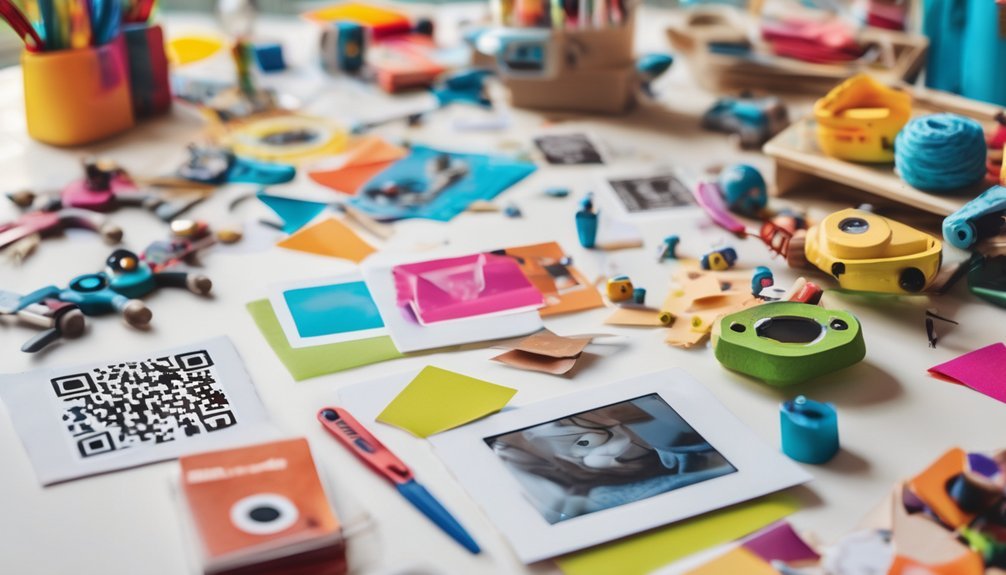
QR codes can do more than send you to a website—they can play a video or audio clip that makes learning come alive. You can link a QR code to video tutorials that show how to draw, build, or solve a problem step by step.
You can also connect it to audio stories, so kids can listen while they read or relax. Pick a clear file, upload it to a trusted platform, and copy the share link into your QR code maker. Then test the code with your device to make sure it opens fast.
Keep the clip short and focused, so it’s easy to follow. When you match the right media to the right task, you help learners understand, practice, and remember more.
QR Code Ideas for Scavenger Hunts
When you want to turn a simple game into an exciting adventure, QR codes can guide each clue in a scavenger hunt. You can hide a code under a chair, on a tree, or near a book. When kids scan it, they get creative clues that lead them to the next spot.
Try using short riddles, pictures, or tiny videos to make each step fun and clear. You can match clues to colors, shapes, or numbers so players practice observing details. This kind of game supports interactive learning because kids move, think, and solve problems at the same time.
Keep the hunt safe, simple, and organized, and always test each code before play. That way, you’ll build a smart adventure everyone can enjoy.
QR Code Ideas for Greeting Cards
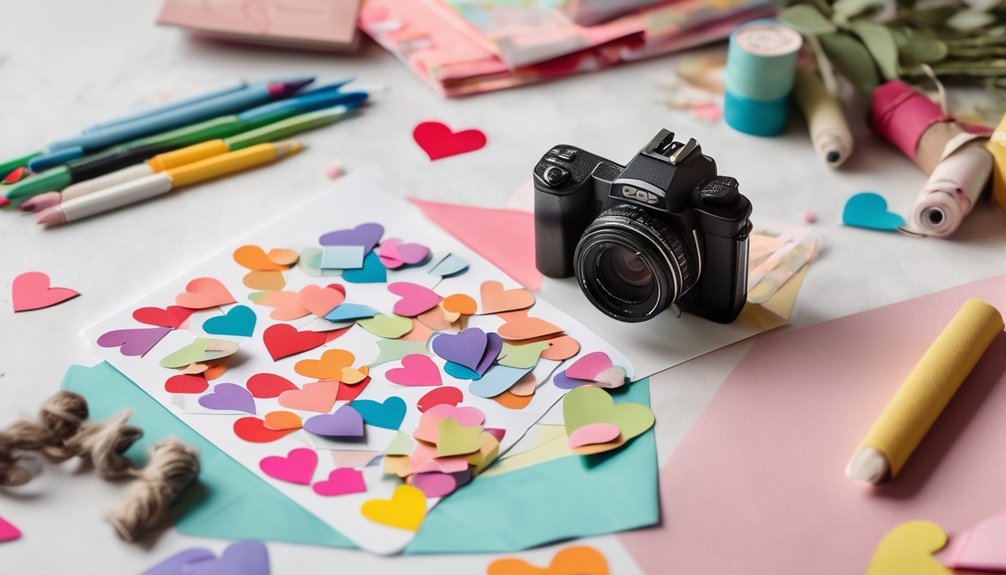
Adding a QR code to a greeting card can make your message feel extra special and fun. You can use creative designs with fun themes like birthdays, holidays, or thank-you notes.
When someone scans the code, they can hear personalized messages, watch a short video, or see a drawing you made. These interactive elements help your card feel lively and memorable.
You can also add educational content, like a fun fact or a tiny quiz, if you want to teach and surprise at the same time. Try surprise features such as a hidden song or secret joke.
QR codes can build family connections and support artistic expressions, because you get to share your ideas in a new way. Keep it simple, neat, and proud.
QR Codes for Posters and Displays
Posters and displays are a great place to use QR codes because they can make your project more exciting and interactive. You can add them to creative posters, classroom boards, or science fairs to turn simple artwork into educational tools.
When someone scans your code, they can explore facts, videos, or fun activities that support your topic. This kind of technology integration helps you build engaging projects that show your ideas clearly.
Try smart design techniques like placing the code in a corner, adding a short label, and making sure the picture stays easy to read. QR codes also support visual learning, so your display can teach in a quick, hands-on way.
With a little planning, you’ll make displays that are useful, polished, and memorable.
QR Code Ideas for Storytelling Projects
QR codes can make storytelling projects even more exciting by letting your audience explore more than just the page. You can add a code beside each scene so readers hear a character’s voice, see a drawing, or watch a short animation.
This turns your project into interactive storytelling and helps you build creative narratives with extra depth. You might link a code to a sound effect for a spooky forest, a song for a happy ending, or a video of you reading the story aloud.
If you create a choose-your-own-adventure book, each QR code can lead to a different path. That way, your story feels smart, lively, and full of surprises.
Tips for Safe, Scannable QR Code Projects
When you make QR code projects, you’ll want them to be safe and easy to scan. Start with QR code safety by choosing trusted links and checking each code before you share it.
Use scanning tips like printing the code large, adding strong contrast, and leaving space around it so cameras can read it fast. Pick kid friendly designs that stay clean, simple, and easy to spot on posters, cards, or displays.
Test your code from different phones and distances to catch problems early. With project supervision, you can make sure every link works and every page stays age-appropriate.
If a code won’t scan, resize it, simplify the artwork, or move it away from glare. Careful planning helps your project shine.
Frequently Asked Questions
What Age Can Kids Start Using QR Codes Independently?
You can start using QR codes independently around age 7 to 9, once you’ve got basic QR code literacy and can handle age appropriate technology. You’ll still do best with quick adult guidance at first.
Do QR Codes Work Without Internet Access?
Yes, you can scan QR codes without internet access if the code holds the content itself. Your QR code applications may open offline scanning results, but links, videos, or websites still need internet later.
What Materials Are Best for Making Durable QR Codes?
You’ll want laminated cardstock, vinyl stickers, or acrylic tags for durable materials; they boost QR code longevity. For example, a kid’s classroom label on laminated cardboard can survive spills, bumps, and lots of scanning.
How Can Teachers Track QR Code Scans?
You can track QR code scans by using scan analytics from a QR platform, then checking when, where, and how often kids scan. You’ll see classroom engagement trends, helping you improve lessons and support mastery.
Can QR Codes Be Customized With Colors and Logos?
Yes, you can customize QR codes with colors and logos. You’ll use custom design for creative applications, but keep contrast strong so scans work. You can make them fun, clear, and kid-friendly too.
Conclusion
You’ve got lots of fun ways to use QR codes in your projects, and they can turn plain work into something bright and exciting. From videos and audio clips to scavenger hunts and story time, each code is like a tiny door to new learning. Keep your codes clear, test them before sharing, and have fun creating. With a little imagination, you can make your ideas shine and help others discover them too.