Nearly 70% of guests say a quick RSVP option makes invitations easier to use, so you can make your birthday invite feel effortless with a free QR code. You can link it to your RSVP form, party map, or gift list, then style it to match your theme without losing scanability. The real difference comes down to where you place it and how well you test it.
Key Takeaways
- Use a free QR code generator to link birthday invitations to RSVPs, event details, or map directions.
- Customize QR code colors and frames to match the party theme while keeping strong contrast for easy scanning.
- Place QR codes prominently on digital or printed invites for quick guest access.
- Test QR codes on multiple devices before sharing to ensure they scan and open correctly.
- Link to stable, mobile-friendly pages so guests can confirm attendance and find location details بسهولة.
Free QR Codes for Birthday Invitations
When you choose creative designs, you turn a basic code into part of the invitation’s visual identity. Match colors, frames, and patterns to the party theme so the code feels intentional, not tacked on.
Keep qr code trends in mind, but prioritize readability and clean contrast. Test the code before sending it out, and confirm it opens quickly on different devices.
With careful execution, you create a polished invitation experience that feels modern, efficient, and professionally designed.
Benefits of QR Codes for Birthday Invites
QR codes make birthday invites simpler, faster, and more useful for everyone involved. You let guests open details instantly, without searching through texts or papers. That means fewer missed addresses, clearer timing, and smoother planning.
They also support QR code security, because you can direct guests to controlled information instead of exposing every detail publicly.
- You streamline RSVPs.
- You keep location details easy to access.
- You reduce confusion for guests.
- You gain QR code tracking for response insights.
With QR code tracking, you can see how people engage and adjust your follow-up.
You’ll create a cleaner invitation experience, save time, and present a polished, modern touch that feels intentional and efficient.
Create Free Birthday QR Codes
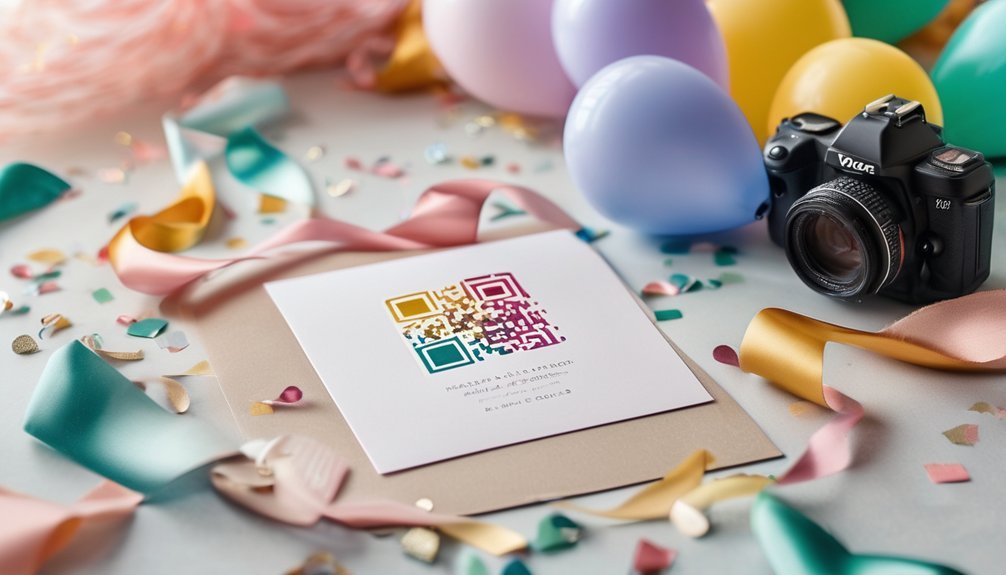
Once you’ve planned the details, you can create a birthday QR code in just a few minutes using a free generator. Enter the destination link, then customize the design so it matches your invitation theme. You can adjust colors, add a logo, and test the code before you print or share it.
This process gives you room for QR code creativity without slowing down event planning. Keep the layout clean, contrast strong, and the scan area unobstructed. If you’re sending digital invites, place the code where guests can spot it instantly. If you’re printing cards, size it large enough for easy scanning.
With a reliable workflow, you’ll produce a polished QR code that supports a smooth, organized birthday experience.
Best Links for Birthday QR Codes
To make your birthday QR code useful, point it to a link that gives guests the right details right away. You can direct it to a clean RSVP page, a calendar invite, or a party hub with directions, gift notes, and timing.
Choose links that reflect current QR code trends and support invitation customization without adding clutter.
- RSVP form with name, attendance, and guest count
- Event page with date, time, and venue details
- Map link for quick navigation and parking
- Gift registry or contact page for questions
You’ll create a smoother guest experience when the destination answers the next question instantly.
Keep the link stable, relevant, and easy to update, so your invitation stays accurate as plans change and your QR code keeps working.
Design Invitations That Scan Easily
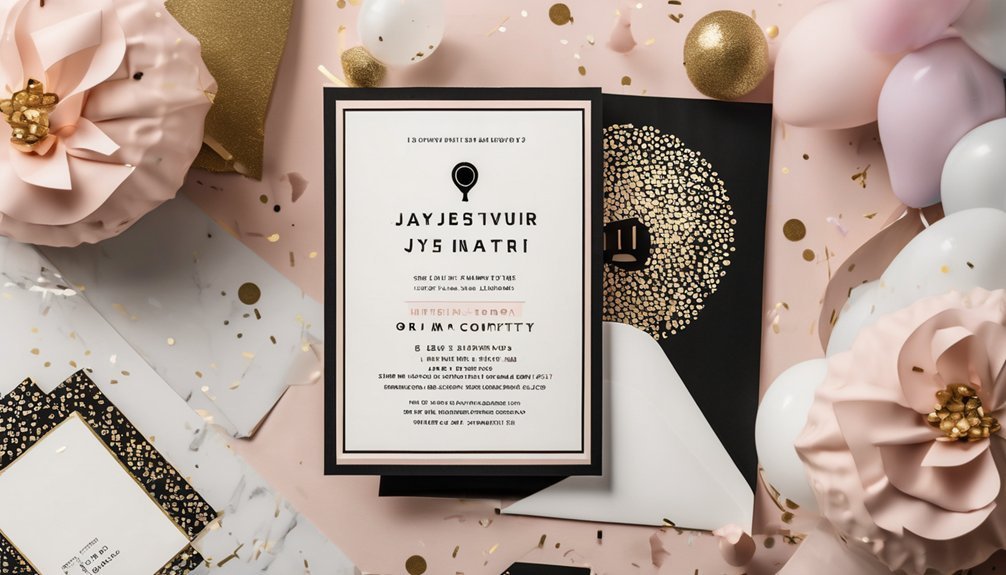
Keep your invitation layout simple so guests can scan it quickly without hunting for the code. Place the QR code in a clear, open area with enough white space around it, and size it large enough to stand out on both print and digital versions.
Use high-contrast colors and avoid busy backgrounds that weaken scannability. You should align the code with other key details so the eye moves naturally from event name to scan point.
Choose fonts and graphics that support scannable designs instead of competing with them. When you favor clean structure and user friendly interfaces, you make the invitation feel intentional, polished, and easy to use.
Every element should guide guests toward one action: scan, tap, and respond quickly.
Test Your QR Code Before Printing
Before you print anything, scan the QR code on several devices to make sure it opens the right invitation or RSVP page every time. QR code testing helps you confirm that guests can access your details without delay.
Use different scanning devices, such as phones and tablets, and check both iPhone and Android results.
- Open the link quickly
- Confirm the event title
- Verify the RSVP form
- Test the code in bright light
If the page loads slowly or looks wrong, adjust the code’s size or contrast and test again. You want every scan to feel effortless and reliable, so your invitation looks polished and works flawlessly.
A few careful checks now can save you from last-minute confusion later.
Avoid Common QR Code Mistakes
Once your QR code scans correctly, make sure it won’t fail because of simple setup mistakes. You can avoid QR code errors by checking link validity first, then confirming the destination still works on mobile.
Watch for scanning challenges caused by low color contrast, cramped margins, or busy artwork that weakens readability. Keep size considerations in mind: too small, and guests won’t scan it quickly.
Strong design pitfalls often come from adding effects that look stylish but hurt function. You should also review usability issues by placing the code where invitees can reach it easily and scan it without twisting the card.
Smart placement strategies help the code feel natural, not hidden. Before printing, compare the final layout against these basics so your invitation stays polished and reliable.
Use QR Codes for Kids’ Birthday Parties
For a kids’ birthday party, a QR code can make planning easier and keep parents informed at a glance. You can link it to Interactive invites, Digital RSVPs, and event details, so guests respond fast and arrive prepared.
Use Customizable templates with Themed designs to match dinosaurs, princesses, or space adventures. Add QR code games or Fun scavenger hunts to keep children engaged between activities. You can also boost Social media sharing for party photos, while Eco friendly options reduce paper waste.
- Scan for directions
- Confirm allergies
- Join game challenges
- Access party updates
Place the code on invitations, signs, and favor bags for smooth coordination. With one scan, you create a polished experience that feels fun for kids and efficient for you.
Use QR Codes for Milestone Birthdays
Milestone birthdays call for invitations that feel a little more special, and a QR code helps you deliver that extra touch with ease. You can link guests to RSVP forms, dress-code details, maps, and personalized messages without crowding the card.
For milestone celebrations, this keeps your design elegant while still giving guests everything they need. You can also match the code to creative themes, like sleek gold for a 50th, bold black for a 40th, or playful metallic accents for a 21st.
Because you control the destination, you can update event details quickly and reduce confusion. That means smoother planning, better attendance tracking, and invitations that feel refined, modern, and intentional.
Frequently Asked Questions
How Many Guests Can One QR Code Handle?
One QR code can handle unlimited guests, because you control the linked destination, not the code itself. For QR code capacity and guest list management, you can direct everyone to one RSVP page, form, or invite.
Can QR Codes Track RSVPS Anonymously?
Yes—like a masked usher, you can keep identities hidden while tracking responses. You’ll use QR code privacy settings and collect RSVP analytics from anonymous submissions, but you can’t fully verify each guest without sacrificing anonymity.
Do QR Codes Work on Glossy Invitation Paper?
Yes, they can, but you should test QR code readability first. Glossy paper effects may cause glare or reflections, so you’ll want strong contrast, a matte finish option, and a high-quality scan-ready design.
Can I Update the Link After Printing?
Yes, you can, if your QR code points to a dynamic link. Like a lantern guiding guests, your invitation design stays intact while link updating lets you redirect traffic after printing without reprinting.
Are There QR Code Options for Multilingual Invitations?
Yes—you can choose QR code generators that support multilingual customization, letting you direct guests to language-specific pages or menus. You’ll create polished invitations, streamline access, and personalize experiences for every attendee with ease.
Conclusion
You can make your birthday invitations shine by adding free QR codes that save time and keep guests informed. When you link to RSVPs, maps, or gift details, you turn a simple invite into a supercharged party tool. Just keep your design clean, test the code before printing, and choose the right link for your celebration. With a little care, you’ll create invitations that look great and work flawlessly.