Like a well-run command center, you can take control of school forms before they take over your kitchen table. Set up one folder or binder for each child and school year, keep every paper in one place, and sort forms by type so nothing slips through the cracks. Add deadline reminders, scan key documents, and review the system each semester—you’ll see how much smoother the routine can become.
Key Takeaways
- Create a dedicated folder, binder, or tray for all school forms in one consistent location.
- Sort forms by type, child, or school year using labeled sections and color-coding.
- Track deadlines immediately in a calendar with reminders for signatures, attachments, and due dates.
- Decide right away whether each form should be filed, signed, scanned, or discarded.
- Save digital copies in one cloud folder and use clear file names for easy retrieval.
Create a School Forms Filing System
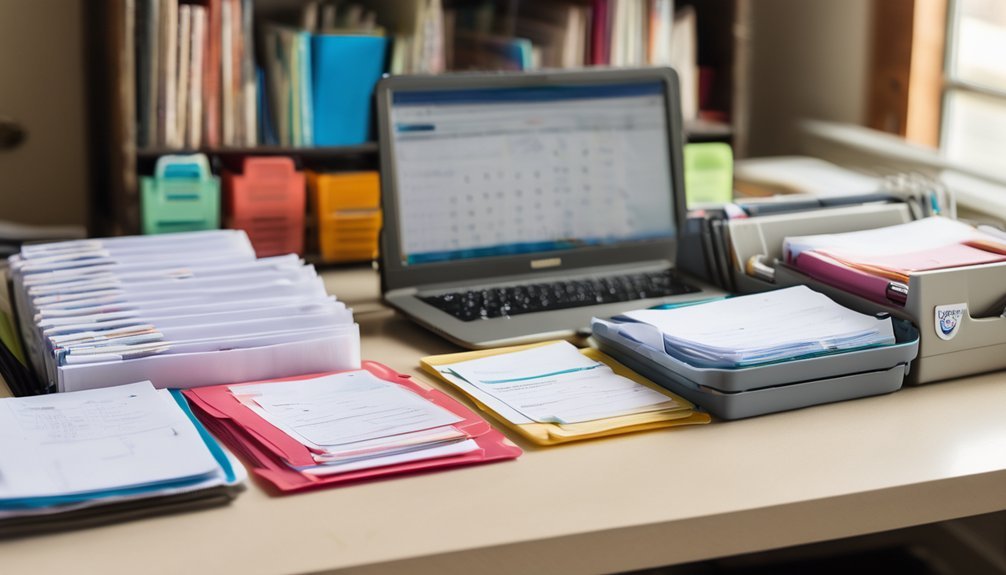
Start with one simple filing system so school papers don’t take over your kitchen counter. Choose a folder, accordion file, or binder with labeled sections for each child and school year.
Then sort papers by type: notices, permission slips, report cards, and action items. Use filing tips like color-coding and date labels so you can find what you need fast.
When a paper arrives, decide right away whether to file it, sign it, or discard it. If you prefer digital organization, scan important forms and save them in clearly named folders on your device.
Review the system weekly, so nothing piles up. You’ll stay in control, reduce stress, and build a routine that keeps school paperwork manageable all year.
Store School Forms in One Place
If you keep school forms in one dedicated spot, you won’t waste time hunting through piles when you need something quickly. Choose a single physical location, such as a labeled folder, binder, or inbox tray, and use it only for school paperwork.
Then mirror that system with digital storage for PDFs, email attachments, and scanned copies so you can access records anywhere. Keep signed permissions, calendars, and form templates together so you can update or reuse them without starting over.
When you return forms right away, you prevent backlog and reduce mistakes. You’ll also build a reliable routine that supports every deadline, trip, and activity.
Consistency matters here, because one place is easier to remember, maintain, and audit than several scattered spots.
Sort School Forms by Type
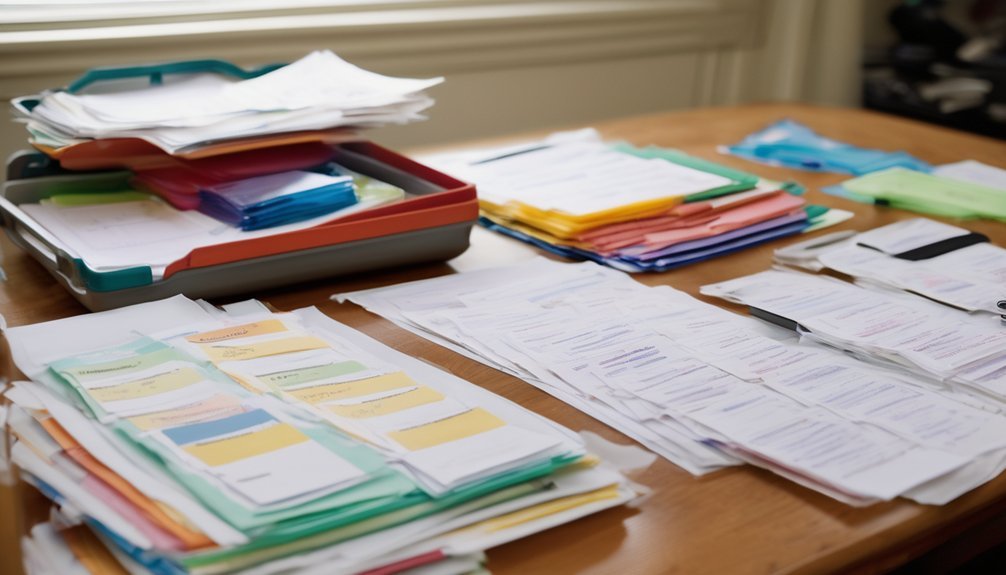
Once school forms all live in one place, sort them by type so you can find the right one fast.
Create clear form categories such as enrollment, health, permission slips, transportation, and fundraising. Use one labeled folder, envelope, or digital organization system for each category, and keep the same structure in both paper and digital files if you use both.
That consistency helps you move quickly when a form pops up. Put high-use forms near the front of each category, and group similar items together so you don’t waste time searching.
If a form has multiple pages, keep them clipped or stapled as one unit. This method makes your system easy to maintain, easy to audit, and ready whenever school asks for something.
Track School Form Deadlines
Deadlines can sneak up fast, so track every school form’s due date as soon as it arrives. Add each date to your digital calendars right away, and include the form name, required action, and any notes about signatures or attachments.
Set deadline reminders a few days early so you’ve got time to gather missing details and avoid last-minute stress. Review your calendar once a week to catch changes from the school, since dates can shift.
If several forms share the same week, prioritize the earliest due date and work backward from there. Keep a simple checklist beside each entry so you can see what’s finished and what still needs attention.
With a consistent system, you’ll stay ahead, organized, and confident all year.
Go Paperless With School Forms

After you’ve got due dates on your calendar, you can make the whole process even easier by going paperless with school forms.
Scan or save every form in a single cloud folder so you can find it fast on any device. Use digital signatures when the school allows them, and keep a clean record of what you’ve sent.
For online submissions, create a simple checklist with the form name, date sent, and confirmation number. That way, you can verify completion without digging through backpacks or drawers.
If a form needs a note or attachment, name the file clearly before you upload it. Going paperless reduces clutter, cuts errors, and helps you stay organized with less effort and more control.
Review School Forms Each Semester
Each semester, take a few minutes to review all your school forms so you can catch changes before they turn into problems. Use this seasonal review to confirm addresses, emergency contacts, medical details, and permission slips.
A quick check also helps you spot missing signatures, outdated policies, or forms that need resubmission. If you keep files in digital organization, compare current documents against last term’s records and update what’s changed.
- Verify contact and pickup information
- Replace expired permissions or health forms
- Note deadlines for new paperwork
Set a recurring reminder before conferences and registration periods. That habit keeps you prepared, reduces stress, and helps you stay in control of your child’s school paperwork all year.
Frequently Asked Questions
How Do I Protect Sensitive School Form Information?
You can protect sensitive school form information by using secure storage, strong passwords, and locked filing systems. You’ll also limit sharing, shred unneeded copies, and review data privacy settings regularly to reduce exposure.
What Backup Options Prevent Losing Important School Forms?
Use digital storage, cloud solutions, and physical backups—because losing a school form can feel like a disaster movie. You’ll keep form templates copied, synced, and printed, so one glitch won’t derail anything.
Can Multiple Caregivers Access the Same School Forms?
Yes, you can let multiple caregivers access the same school forms through shared access. You’ll improve caregiver collaboration by using cloud storage, shared folders, and clear permissions, so everyone stays organized, informed, and accountable.
How Should I Organize Forms for Multiple Children?
You should separate each child’s forms into labeled folders, then add color-coding for quick sorting. Use folder strategies for paper copies and digital organization for scanned files, so you’ll find anything fast and stay in control.
What Tools Help Translate School Forms for Non-English Speakers?
Translation apps are your bridge over the language gap. You can use bilingual resources, community support, and school language services to understand forms clearly, ask questions confidently, and keep every document organized and accurate.
Conclusion
When you organize school forms into one simple system, you turn chaos into calm. Keep every paper in one place, sort it by type, and track deadlines so nothing slips through the cracks. Going paperless can make life even easier, while a quick semester review keeps your system sharp. With these habits, you’ll handle school paperwork like a pro. Your folders become a steady compass, guiding you through the school year with less stress and more confidence.