You juggle meals, school forms, errands, and schedules every day, so the right free tools can cut down the chaos fast. A shared family calendar, simple notes app, and free task tracker can keep everyone aligned without adding more work. The real advantage isn’t just staying organized; it’s building a system that quietly saves you time all week. A few small choices can change how your whole routine runs.
Key Takeaways
- Use a free note app, password manager, budgeting app, and document scanner to cut daily admin work.
- Keep one shared family calendar with color-coded members, recurring events, and weekly review.
- Store meal plans and grocery lists together, adding staples immediately to avoid forgotten items.
- Track homework in a task or calendar app with due dates, reminders, and class notes.
- Manage chores in a shared tool with assigned tasks, due dates, and regular accountability checks.
Best Free Tools for Busy Parents

When you’re juggling work, school pickups, meals, and everything else, free tools can take real pressure off your day.
Start with a trusted note app to capture errands, ideas, and reminders before they disappear. Use a password manager so you’re not wasting time resetting accounts or hunting for login details.
Try a free budgeting app to track spending fast and spot leaks before they grow. Lean on a document scanner app to digitize forms, receipts, and school papers in seconds.
You can also use a shared task app to assign chores and follow through without constant check-ins. The goal isn’t more apps; it’s a tighter system.
Choose tools that remove friction, protect focus, and help you act quickly.
Use a Free Family Calendar to Plan the Week
A free family calendar can turn a chaotic week into a clear plan you can actually follow. You map school events, work shifts, appointments, and practices in one shared view, so you stop relying on memory.
Assign each person a color, set recurring events, and add alerts for deadlines and departures. You’ll spot conflicts early, which lets you adjust before the day unravels.
Review the calendar every Sunday, then confirm the week’s priorities with your family. Keep entries short, specific, and time-stamped so anyone can scan them fast.
When you maintain one source of truth, you reduce questions, missed events, and last-minute scrambling. That discipline gives you control, saves time, and helps your household run with precision.
Keep Meals and Grocery Lists in One Place
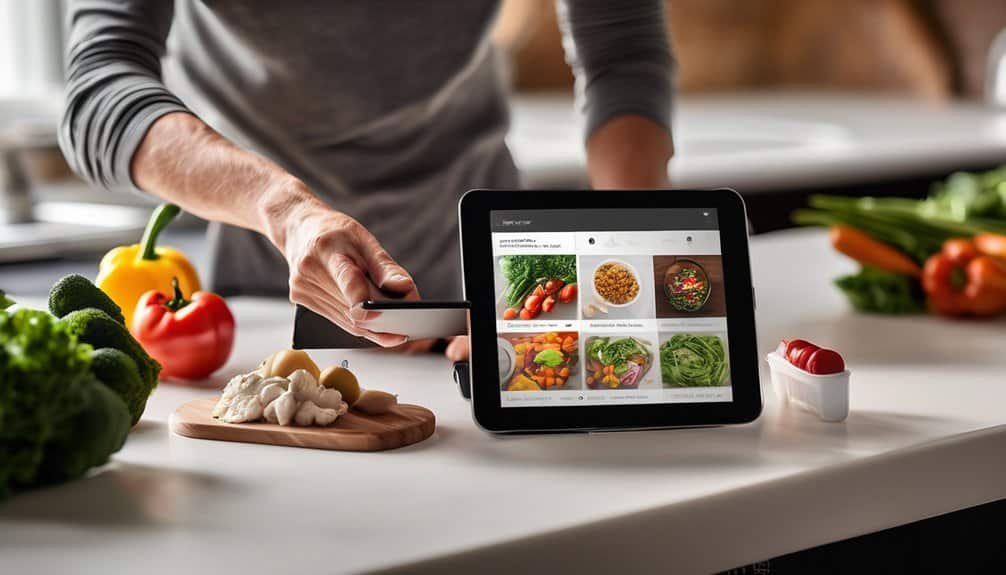
Keeping meals and grocery lists in one place cuts down on daily decision fatigue and wasted trips to the store. You can use a free notes app, shared document, or meal-planning tool to map out dinners for the week, then build your list beside each recipe.
When you notice you’re low on staples, add them immediately instead of relying on memory. Keep categories like produce, dairy, pantry, and frozen so you can scan and shop faster.
If you cook the same meals often, save templates and reuse them. You’ll spot gaps sooner, avoid duplicate purchases, and reduce last-minute takeout.
The result is a tighter routine, cleaner planning, and more control over what comes into your kitchen.
Track Homework and School Tasks Easily
Even a simple system can keep homework from piling up on the kitchen table. Use one free calendar or task app to record assignments the moment you hear them. Enter due dates, class names, links, and quick notes so you can scan everything fast.
Set reminders for tonight and for one or two days before deadlines, then review the list with your child after school. You’ll spot gaps early, avoid last-minute scrambles, and build accountability. If teachers post updates online, add those dates too.
Keep your workflow consistent: capture, check, and confirm. With one trusted place for school tasks, you’ll spend less time searching for scraps of paper and more time guiding your child toward steady progress.
Manage Chores With Shared Family Tools
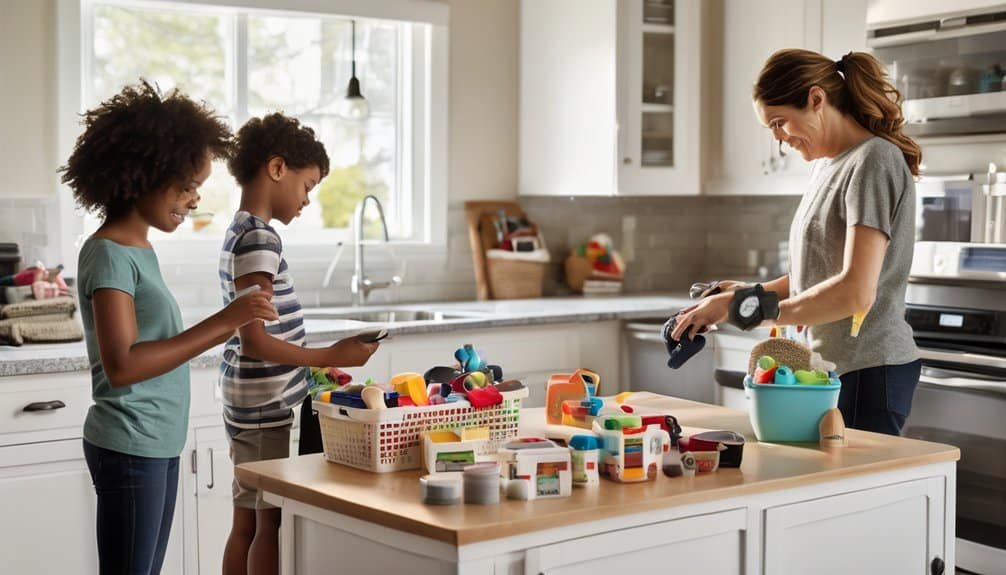
When chores live in one shared tool, you won’t waste time repeating the same reminders. You can assign tasks once, set due dates, and let everyone see what’s expected without asking you twice.
Keep the list visible on your phone so you can update it while dinner cooks or while you’re on the go. Use clear labels for recurring jobs like dishes, trash, and laundry, and attach notes only when a task needs specifics.
You’ll spot gaps fast, rebalance work fairly, and hold everyone accountable with less friction. When the whole family checks one place, you reduce confusion, prevent overlap, and keep routines moving.
That kind of simple coordination saves time every day and gives you more control.
Set Up a Free System You’ll Actually Keep Using
A shared chore tool only helps if it’s easy enough to stick with, so build a free system that fits your routine. Start with one calendar, one task list, and one weekly review. Keep the setup simple enough that you can update it in under two minutes.
Assign recurring chores, set clear owners, and use reminders only where they prevent misses. If your family ignores a feature, remove it. Mastery comes from consistency, not complexity.
You’ll save more time by checking the same place every day than by chasing a perfect app. Put the system where you already look: your phone, inbox, or kitchen wall.
Review it each Sunday, adjust what’s broken, and protect the habit until it runs automatically.
Frequently Asked Questions
Which Free Tools Work Offline for Busy Parents?
You can use offline note apps like Google Keep, password managers like Bitwarden, calendars like Google Calendar, and document editors like LibreOffice. They’ll let you plan, store, and organize without needing constant internet access.
How Do I Protect Family Data in Free Apps?
You protect family data by choosing apps with encryption, minimal permissions, and strong privacy settings; 81% of breaches involve weak access controls, so you should use unique passwords, enable two-factor authentication, and review sharing regularly.
Can Free Tools Sync Across Different Devices?
Yes, you can often sync free tools across devices if you sign into the same account. You’ll usually get cloud syncing, but you should verify app settings, storage limits, and privacy controls first.
What if My Kids Dislike Using Family Apps?
If your kids dislike family apps, you’re guiding reluctant sailors, not rebels; lower resistance by choosing one simple tool, explaining the payoff, and letting them help steer. You’ll build trust, and they’ll adopt it.
How Much Storage Do Free Parenting Tools Provide?
Free parenting tools usually give you modest storage, often 5–15 GB, though some offer less or unlimited basic syncing. You’ll need to check each app’s plan, because limits vary widely by provider and feature set.
Conclusion
With a few free tools, you can turn daily chaos into a smooth routine. Use a family calendar, one meal list, homework tracker, and shared chore system to keep everything in sight and under control. Set up simple habits you’ll actually stick with, and you’ll save more time than you ever thought possible. Instead of scrambling every day, you’ll feel like you’ve got an extra pair of hands helping you out.